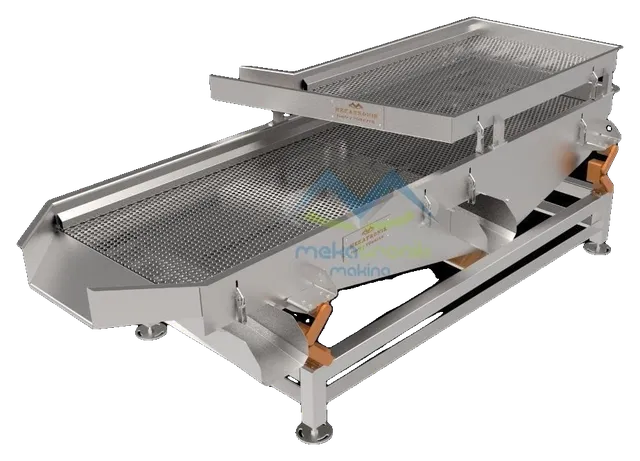
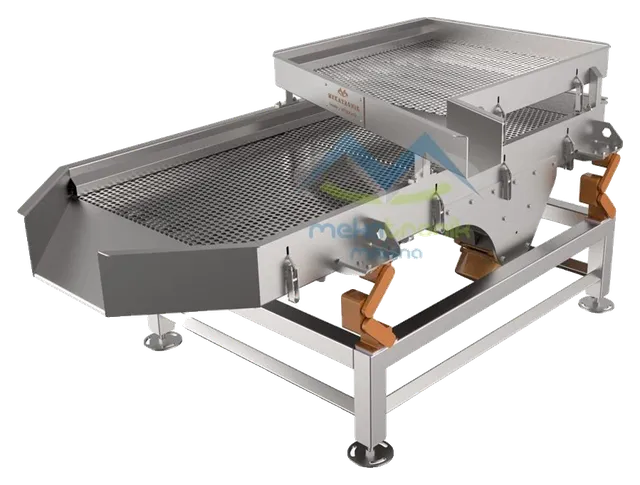
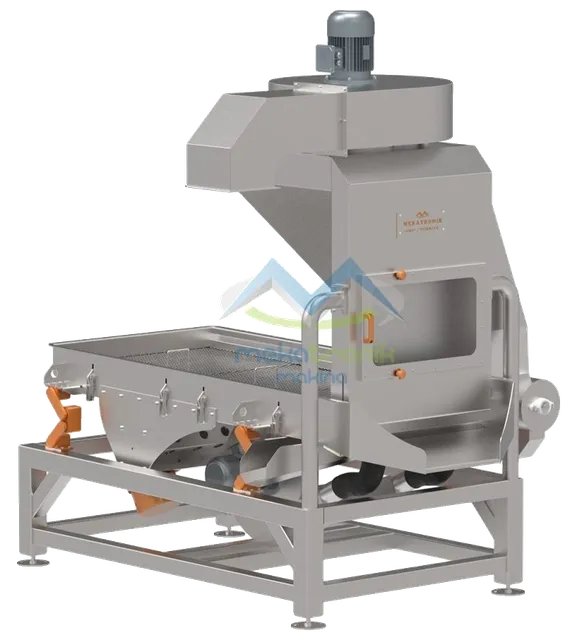
Most of the vibration and noise that people hear from a screen does not come from the deck. It comes from the parts around it: a rigid pipe, a loose guard, a mount that has lost its give. A vibrating screen is built to shake the product, so the aim is to keep that motion in the deck and out of the floor and the structure.
Where the motion comes from
A screen is driven by vibration motors. A pair of counter-rotating motors makes a straight-line motion, and the deck rides on springs or rubber mounts. The motion is meant to stay in the moving part. Whatever is rigidly tied to the moving part, or to the frame under it, will carry the motion further.
The sizing screen on this site is driven by vibration motors, and the dewatering screen uses 2 vibration motors, both on 380 V / 50 Hz power. The way the motors work together is explained in the post on two counter-rotating motors and straight-line motion.
Three paths that carry vibration out
- Through the base. If the mounts are worn, hard or bottomed out, the frame touches the support and the floor receives the motion directly.
- Through connections. A rigid chute, pipe, cable tray or drain pipe fixed from the screen to a wall or another machine carries the motion along it.
- Through the air. Loose panels, guards and sheet metal ring like a drum. Metal-on-metal rattle is airborne noise, even if the floor is quiet.
Knowing which path is active tells you what to change. Replacing mounts does nothing for a rattling guard, and tightening a guard does nothing for a worn mount.
How to trace the source
Walk through these checks with the machine running, then stopped.
- Hand test on the frame. Touch the support frame and the floor near the machine. A frame that shakes strongly points to the base path.
- Compare both sides. Look at the mounts on the left and right side. A side that sits lower or looks different has lost its give.
- Look at the connections. Any hose, pipe or chute that bridges the moving part and a fixed part should be flexible and have slack.
- Listen for rattle. Stop the machine and tap the guards and covers. Loose bolts and thin panels show up this way.
- Check start and stop. If noise peaks briefly as the machine speeds up or slows down, the motion is passing through a resonance of the structure. That points to the supports, not the motors.
What to change
- Replace or add isolation. Use mounts matched to the machine. A hard mount carries motion, an overloaded mount bottoms out.
- Make connections flexible. Use flexible joints, hoses and sleeves between the screen and fixed parts. Leave slack in cables.
- Fix loose parts. Tighten bolts, add damping strips behind thin panels and check that covers sit on soft seals.
- Stiffen the support. A light frame under a screen can amplify the motion. A rigid, level support reduces it.
- Level and align. A machine that sits on one corner more than the others moves unevenly and noise follows.
Check after the change
Run the machine with product, not empty. Noise and movement can look fine empty and change under load. Compare the frame and floor by hand again, and look at how the product moves on the deck. Isolation work should never change the product motion. If the product behaves differently after the change, the mounts or the support were altered more than intended.
Keep it as a routine
Noise tends to creep up slowly. A short routine catches it early: look at the mounts, tap the guards, check connections for tension, and note the date. The maintenance guide gives a place to start, and the vibrating screen group lists the machines that apply.